The best WooCommerce returns plugin is not necessarily the one with the longest feature list or the lowest price. It is the plugin that can turn returns from a collection of emails, manual refunds and separate shipping tasks into a controlled process your customers and staff can follow.
Basic return-request plugins can be suitable for small stores handling occasional refunds. The requirements change when you need product exchanges, store credit, prepaid labels, customer-specific return rules, parcel tracking and a reliable record of every action.
RMA Pro for WooCommerce is built for that more demanding environment. It combines a customer returns portal with refunds, exchanges, store credit, return rules, Shippo and ShipStation labels, tracking and structured RMA administration.
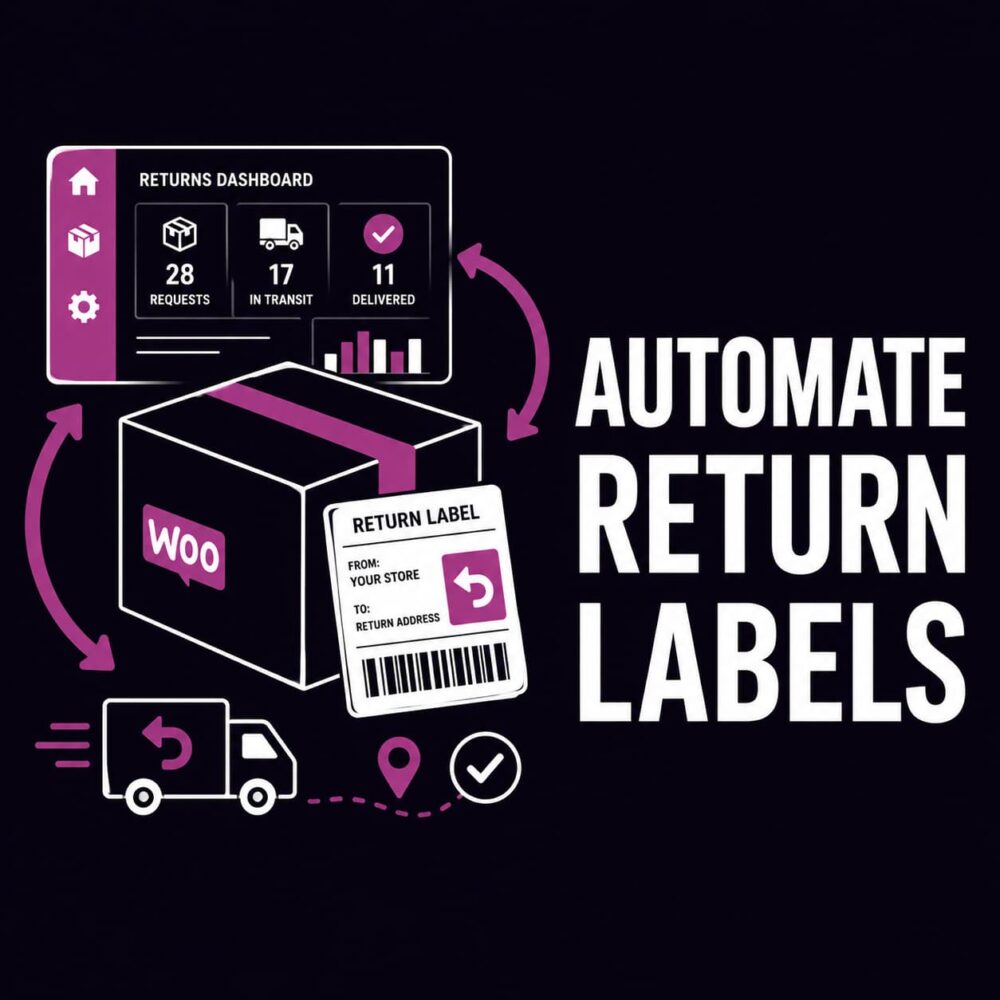
If you want to automate return labels in WooCommerce, the real goal is not just producing a PDF faster. It is reducing the manual work that sits around every return. That includes deciding who qualifies, choosing the right return method, generating the label, tracking the parcel, applying the correct refund or store-credit outcome and keeping the whole process visible to your team.
Many stores start with a manual returns setup that looks manageable at low volume. Then the support inbox fills up, labels are created in a separate shipping platform, refund calculations become inconsistent and customers keep asking whether their parcel has arrived.
RMA Pro for WooCommerce is built to solve that wider problem. It combines a customer returns portal with label automation, Shippo and ShipStation support, tracking, rules, exchanges, store credit and a structured RMA workflow.
WooCommerce makes it easy to accept an order, but managing what happens when a customer sends part of that order back is considerably more difficult. Refunds, exchanges, store credit, return postage, eligibility checks and stock adjustments can quickly become disconnected manual tasks.
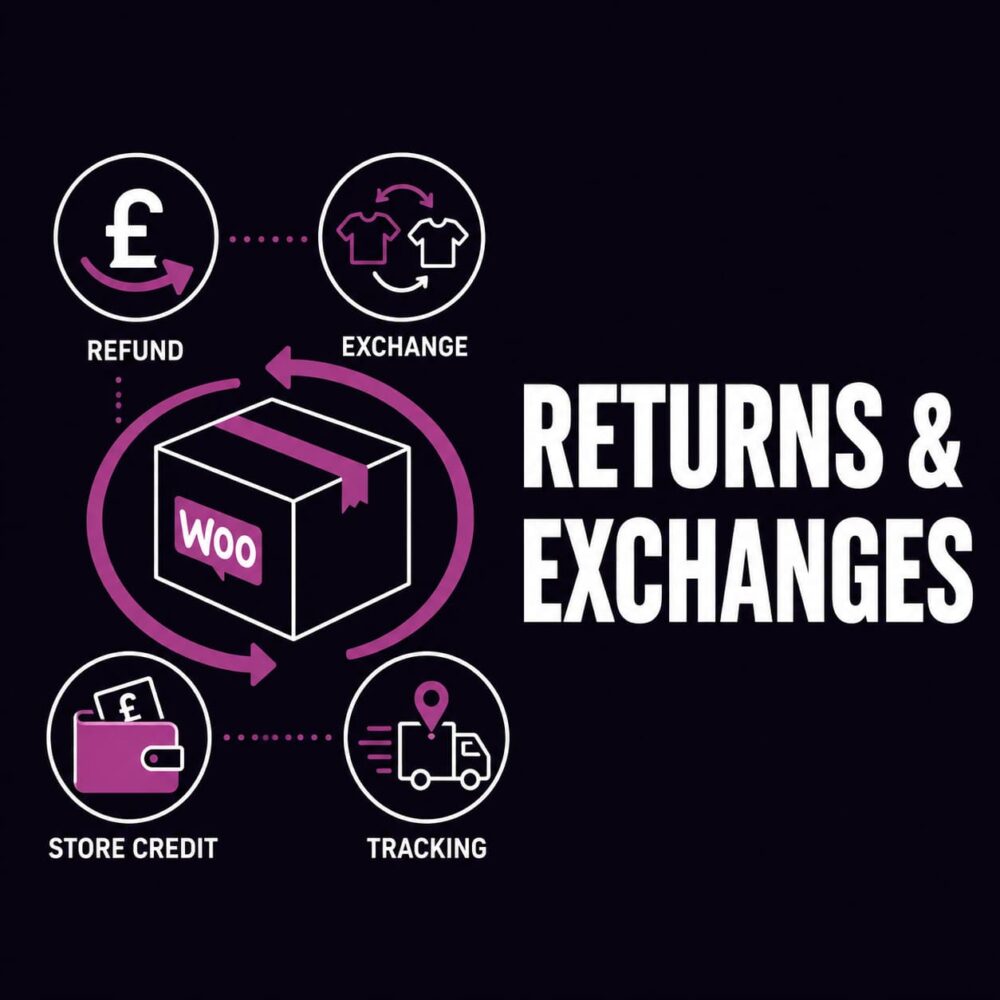
A proper WooCommerce returns and exchanges process must do more than add a return-request button to the customer account area. It needs to establish what can be returned, collect the correct information, offer commercially appropriate resolutions and give staff a controlled workflow from request through to completion.
RMA Pro for WooCommerce provides that wider structure. It combines a customer returns portal with refunds, exchanges, store credit, return rules, integrated labels, parcel tracking and a complete administrative record.
Generating a return label should be one of the simplest parts of handling a WooCommerce return. In practice, it often becomes another manual task involving customer emails, copied addresses, separate shipping platforms, inconsistent postage costs and no clear connection between the parcel and the eventual refund.
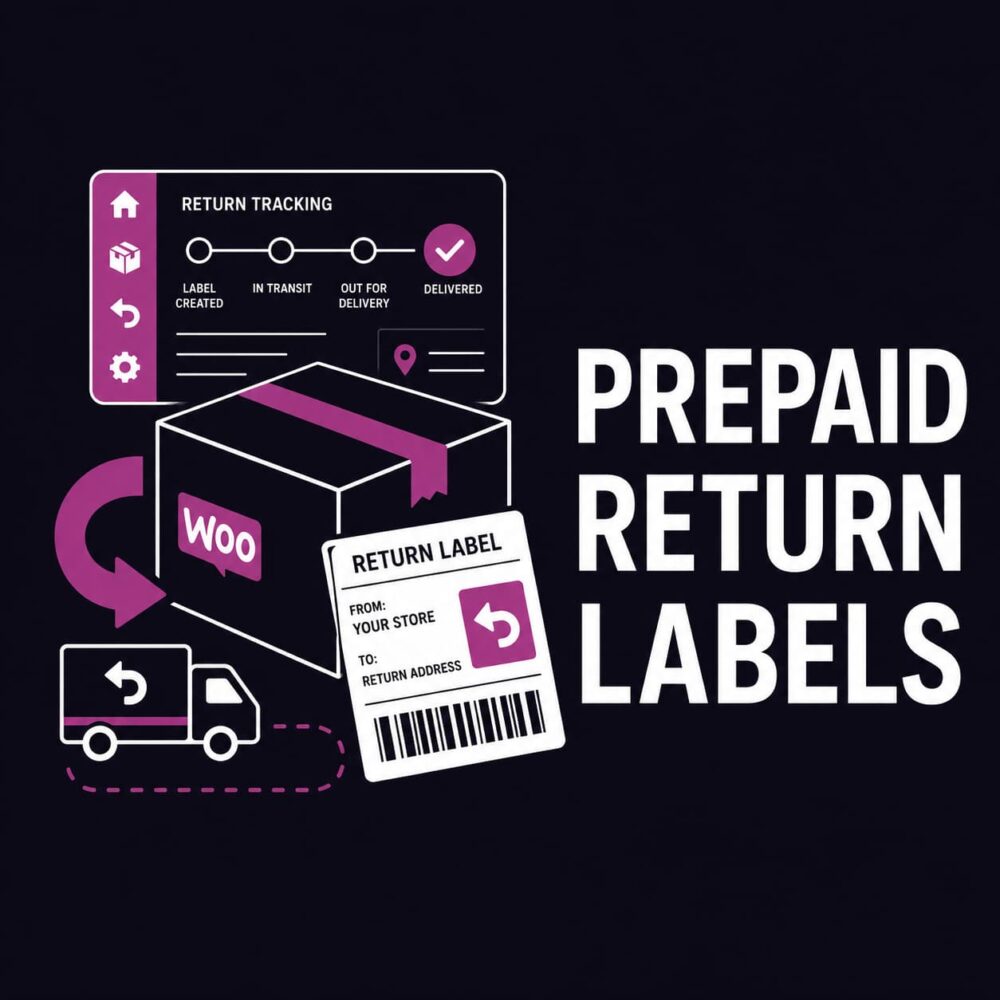
A capable WooCommerce prepaid return label plugin should do more than produce a PDF. It should connect the label to the return request, let the store control who pays, record the selected service, track the parcel and ensure the correct amount is refunded or issued as store credit.
RMA Pro for WooCommerce brings those steps together. It combines prepaid return labels with a proper return management system covering refunds, store credit, exchanges, eligibility rules, customer risk controls, parcel tracking and administrative records.
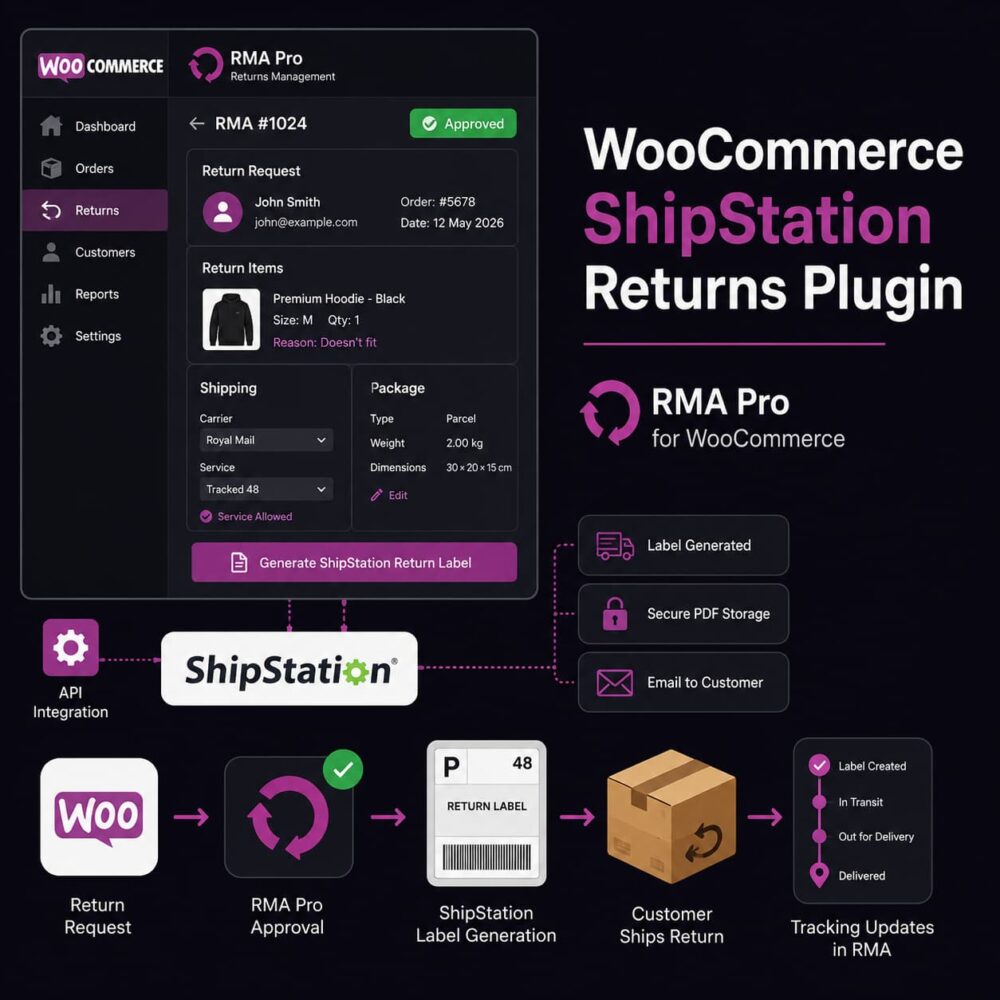
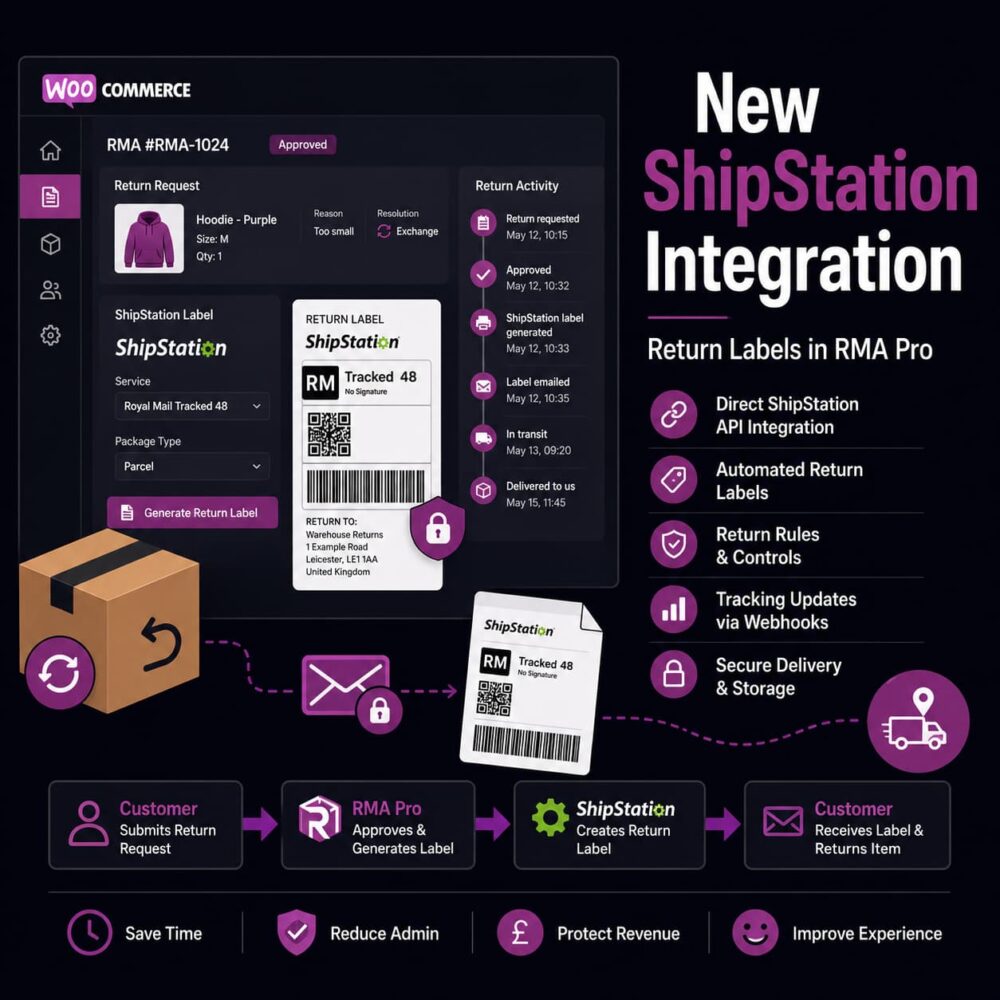
A WooCommerce ShipStation returns plugin should do more than create a shipping label. It should connect the customer’s return request, your eligibility rules, the approval decision, parcel details, label delivery and tracking activity within one manageable workflow.
Without that connection, support staff approve the return in WooCommerce, recreate the shipment in ShipStation, copy customer address details, download the PDF, write another email and then return to the RMA record to document what happened. RMA Pro removes much of that manual work by bringing ShipStation return-label generation directly into the WooCommerce returns process.
The new ShipStation integration for RMA Pro gives WooCommerce stores another way to create and manage return labels without leaving their existing return workflow. From RMA Pro 2.8.1, merchants can connect their ShipStation account, discover the available carriers and services, and generate merchant-funded return labels directly from the WooCommerce RMA record.
This is more than adding another label provider. It closes an operational gap that normally forces support staff to move between WooCommerce, ShipStation, customer emails and internal notes whenever a return label is required. RMA Pro can now keep the approval, label generation, secure delivery and return activity connected to the same RMA request.
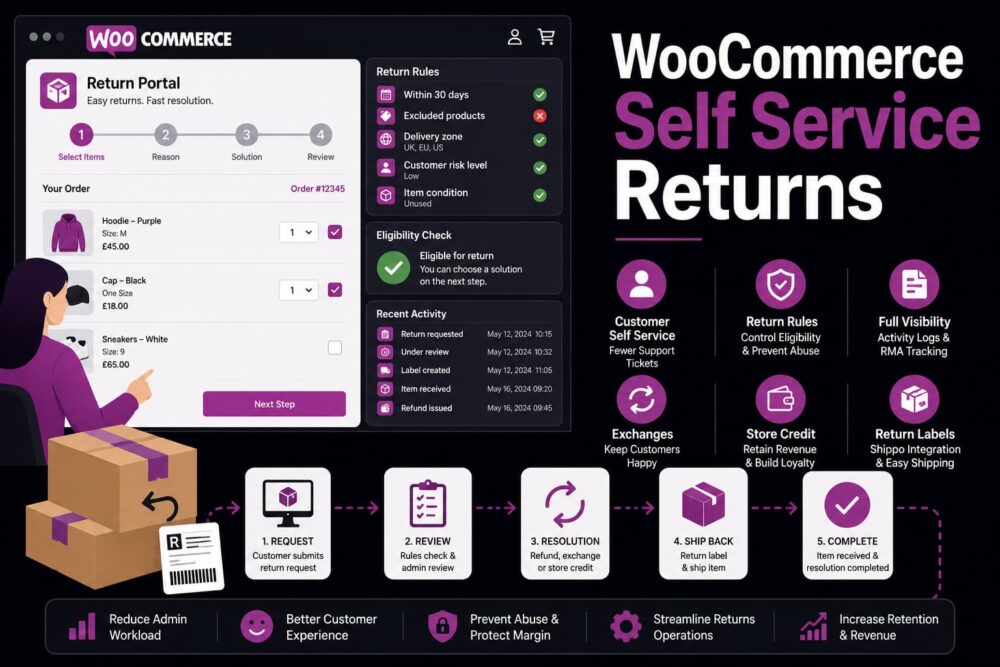
WooCommerce self service returns are not just about letting customers submit a return request without emailing you. They are about reducing support noise, collecting better return information, applying rules earlier and giving your team a clearer workflow for refunds, exchanges, store credit, labels and RMA decisions.
The real ecommerce problem is simple: returns create too many manual touchpoints. A customer emails support, forgets the order number, asks whether an exchange is possible, wants a label, then chases two days later because nobody has confirmed the next step. That is not just poor customer experience. It is operational drag.
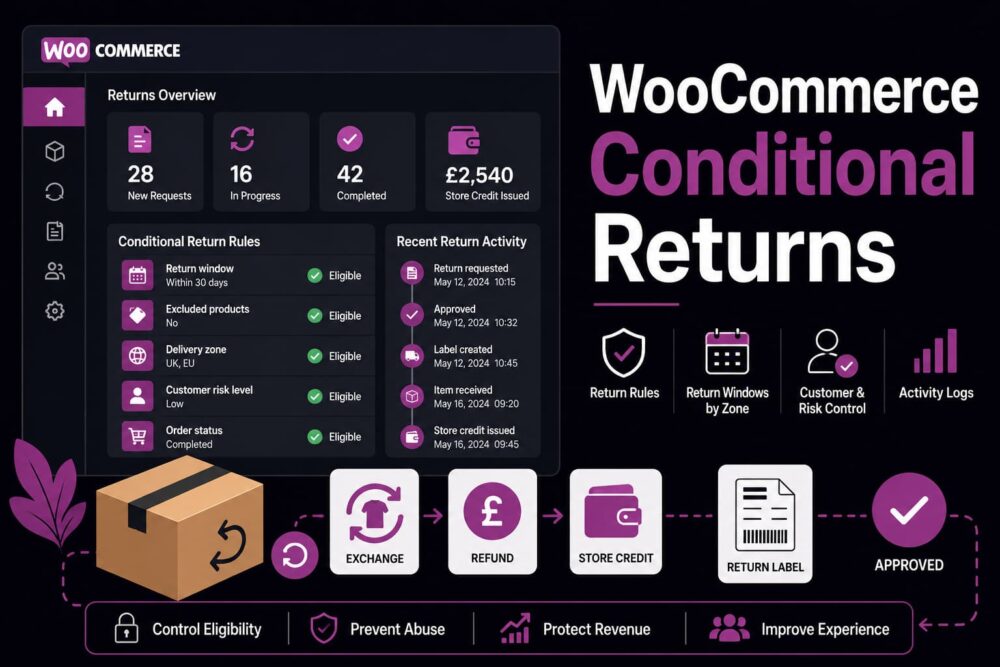
WooCommerce conditional returns are what separate a basic returns form from a return process that actually protects your store. Without conditions, every return request starts to look the same, even when the customer, product, order age, delivery zone, refund type or risk level is completely different.
That creates a real ecommerce problem. Your team ends up manually deciding whether a return is allowed, whether an exchange should be offered, whether store credit is better, whether the customer is outside the return window and whether the request looks abusive. If those decisions live in staff memory, inbox threads and scattered order notes, your return process will become inconsistent as soon as order volume increases.
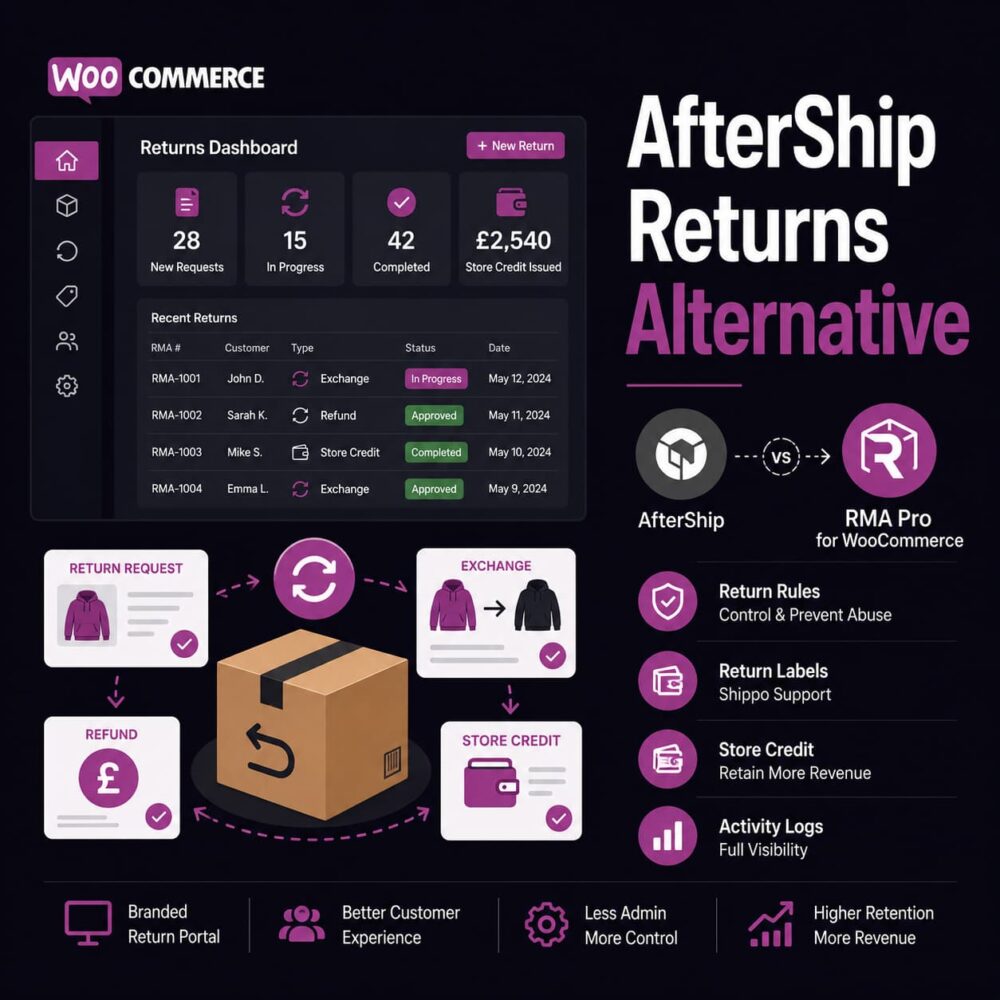
An AfterShip returns alternative is worth considering when your WooCommerce store needs more than a polished returns page. Returns are not just a customer-facing form. They affect refunds, exchanges, stock movement, support workload, return labels, customer retention, abuse prevention and admin visibility.
AfterShip Returns is a recognised returns and exchanges platform, and for some stores it will make sense. But if you run a WooCommerce store and want a return management system that feels closer to your own ecommerce operation, you may want a more focused WooCommerce returns plugin rather than a broader post-purchase platform.
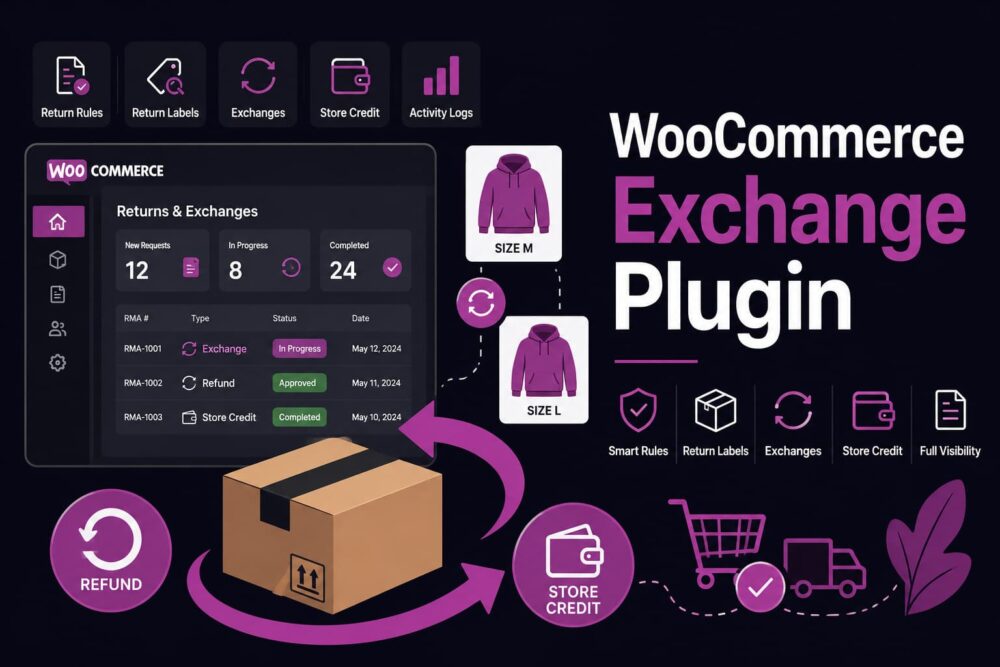
A WooCommerce exchange plugin is not just a nice extra for stores that want to be helpful. It is a practical way to stop every return from turning into lost revenue. When a customer likes the product but bought the wrong size, colour, length, variation or quantity, a refund is often the worst commercial outcome.
The real ecommerce problem is not that customers return products. The problem is that many WooCommerce stores handle exchanges manually, slowly and inconsistently. A customer emails support, someone checks the order, someone creates a replacement order, someone notes the return, someone else checks stock, and by the time the process is finished, the store has spent more time than the margin justified.