
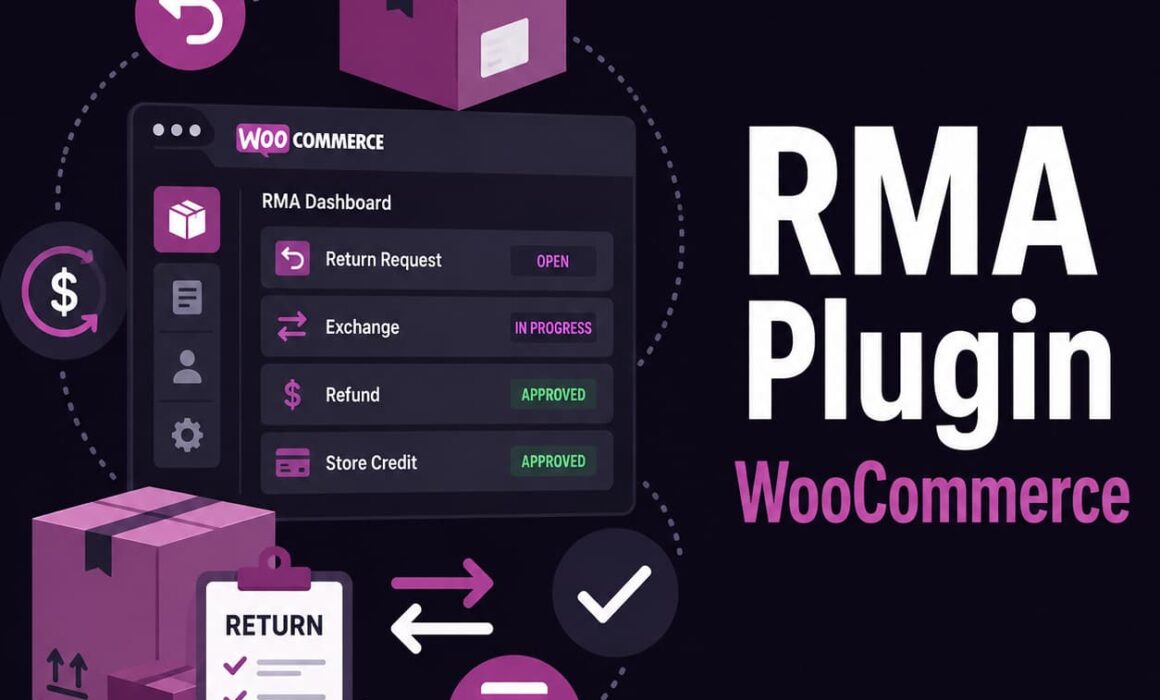
RMA Plugin WooCommerce: Build a Smarter Returns System for Your Store
Choosing the right rma plugin woocommerce setup is not just about letting customers ask for refunds. It is about controlling what happens after the sale, protecting revenue, reducing repetitive admin and giving customers a clear route when something needs returning.
Returns are where many WooCommerce stores start to feel operational pressure. A simple refund form might work when order volume is low, but it quickly becomes messy when customers want exchanges, partial refunds, store credit, return labels, rule-based eligibility and updates on what is happening. That is where a proper RMA system becomes commercially useful.
Why an using a RMA plugin for your WooCommerce setup matters
Most store owners first look for an rma plugin woocommerce solution when returns begin taking too much time. At first, returns are usually handled manually. A customer emails. Someone checks the order. Someone replies. A refund is processed. A note is added somewhere, or sometimes not added at all.
That workflow looks manageable until the store grows. Then the gaps become obvious. Staff ask the same questions repeatedly. Customers chase updates. Refunds are issued without clear internal notes. Exchanges are handled outside the normal order flow. High-risk customers keep returning products without much control. The return window is applied inconsistently. Labels are created separately. Nobody has one clear view of the full RMA history.
Returns are not just a refund problem. They are an operations problem, a customer service problem and a revenue protection problem. A serious WooCommerce store needs a system that can structure the whole process.
RMA Pro for WooCommerce is built for that kind of workflow. It gives WooCommerce stores a more complete return management system with returns, refunds, exchanges, store credit, eligibility rules, activity logs, labels and customer-facing return requests in one place.
RMA plugin features should go beyond basic refund requests
A basic returns plugin usually focuses on one thing – giving customers a form to request a return. That is useful, but it is only the front door. The real work starts after the request arrives.
Store owners need to know whether the order is eligible, which items are being returned, whether the customer wants a refund or exchange, whether store credit is better, whether the return is inside the correct window, whether the product type should be returnable, and whether the customer has a history of problematic behaviour.
If those decisions are still being made manually, the plugin is not really reducing work. It is only collecting information.
| Area | Basic WooCommerce Returns Plugins | RMA Pro |
|---|---|---|
| Customer requests | Simple return form or refund request. | Structured returns portal for refunds, exchanges and store credit. |
| Eligibility control | Often limited to basic return windows. | Return rules can control eligibility by customer, product, order, zone and scenario. |
| Exchanges | Often manual or not supported properly. | Exchange handling is built into the RMA workflow. |
| Store credit | Usually absent or handled separately. | Store credit can help retain revenue instead of losing it to refunds. |
| Admin visibility | Notes may be scattered across emails and orders. | Activity logs keep a clearer record of what happened and when. |
| Labels and shipping | Often requires manual label creation. | Return labels and Shippo support help connect returns with shipping workflows. |
How a WooCommerce returns plugin reduces admin workload
Admin workload is where returns quietly become expensive. The refund amount is obvious. The time cost is less visible.
Every manual step adds friction. Staff need to find the order, check the return window, confirm the product, ask for photos, explain options, create labels, process refunds, update customers and make notes. When that happens across dozens or hundreds of requests, returns become a constant drain on support time.
A good WooCommerce returns plugin should reduce that repetition. It should capture the right information from the customer at the start, structure the request for the admin team and keep the workflow moving without relying on long email threads.
RMA Pro helps by turning returns into a managed process rather than a loose support conversation. Customers submit requests through the portal. Admin users can review the return, track progress, manage the resolution and keep the activity history connected to the RMA.
Practical example: instead of a customer emailing “I need to return two items but swap one for a different size”, the return request can be structured as a mixed return with both an exchange and a refund in one workflow. That saves back-and-forth and makes the admin decision clearer.
rma plugin woocommerce rules help control eligibility and reduce abuse
Return abuse is not always obvious. It can look like frequent returns, late return attempts, repeated high-value refunds, customers returning used products, or edge cases where staff feel pressured into approving something outside policy.
Manual decisions are inconsistent. One staff member may approve something another would reject. A customer may receive an exception one week and then expect it every time. That creates operational risk and weakens the store’s policy.
Rules give store owners more control. With RMA Pro, return rules can help decide when a request should be available and under what conditions. That matters because not every order, product, customer or region should necessarily follow the same return process.
High-risk customer scenario
Imagine a customer who repeatedly buys multiple sizes, wears items once and returns most of the order. A basic returns form gives them the same route as every other customer. A more advanced returns system lets the store apply tighter controls, reduce eligibility or manage the request more carefully.
VIP customer scenario
The opposite can also be true. A loyal customer with strong lifetime value may deserve a more flexible return window. RMA Pro can support more nuanced return windows and eligibility logic, so the store is not forced into one rigid policy for every customer.
This is where a proper advanced returns system becomes useful. It allows policy to reflect commercial reality rather than treating every return as identical.
Exchanges protect revenue better than refunds
A refund ends the transaction. An exchange keeps the customer in the store.
That difference matters. If a customer bought the wrong size, colour or variation, a refund may not be the best outcome for either side. The customer still wants the product, and the store still has a chance to retain the order value. But if exchanges are difficult, customers often take the easier route and ask for their money back.
Basic WooCommerce return workflows often handle exchanges poorly. They may require manual emails, manual order creation, manual stock checks and manual payment handling if there is a price difference.
RMA Pro is designed to make exchanges part of the RMA process. That helps stores offer a better customer experience while also protecting revenue.
Mixed return example
A customer orders three items:
- A jacket that fits well and is kept.
- A pair of trousers that needs exchanging for a different size.
- A top that the customer wants refunded.
In a weak returns workflow, that becomes a messy email chain. In a structured RMA workflow, the store can manage the exchange and refund together, keeping the request clearer for both the customer and the admin team.
Store credit improves retention when used properly
Store credit is not just a softer refund option. Used correctly, it is a retention tool.
Some customers are happy to buy again if the process is easy. If the only option is a refund, the store loses the sale and has to reacquire that customer later. With store credit, the value stays inside the business and the customer has a reason to return.
This is especially useful for fashion, accessories, pet products, lifestyle goods and other ecommerce categories where size, colour or preference can drive returns. A customer might not want the original item, but they may still want something else from the store.
Store credit scenario:
A customer returns a £65 product. Instead of issuing a refund, the store offers store credit. The customer uses the credit towards a £90 replacement order. The return becomes a retained customer and a higher-value follow-up sale.
RMA Pro helps WooCommerce stores offer store credit as part of the returns process, giving store owners more control over how value is retained after a return request.
Return windows by zone add operational flexibility
Not every return journey is equal. A domestic customer and an international customer may face very different delivery times, costs and practical issues.
A rigid return window can create unnecessary customer service problems. For example, a customer in another country may receive their order later than a UK customer. If both customers have the same return deadline based purely on order date, the international customer may have less real time to assess the product and request a return.
Return windows by zone allow a store to apply more practical rules. That can reduce disputes, create fairer policies and give the business more control over regional differences.
For ecommerce managers, this matters because returns policy is not just a customer service document. It affects margins, shipping cost, support workload and customer trust.
Activity logs make return decisions easier to audit
When returns are handled by email, the history becomes fragmented. One team member may know why something was approved. Another may only see the refund. A manager may not know whether the customer sent evidence, whether a label was created, or whether an exception was made.
Activity logs solve a basic but important problem – visibility.
With RMA Pro, activity logs help store teams see what has happened inside the return workflow. That is useful for internal accountability, customer service continuity and dispute handling.
For example, if a customer says they were promised a refund, the team can check the RMA history rather than searching inboxes or asking colleagues. If a return was rejected because it fell outside the policy, that decision can be recorded clearly.
Return labels and Shippo support improve the physical workflow
Returns do not end on screen. At some point, a parcel needs to move.
If labels are created separately, staff often have to copy details from WooCommerce into another system, generate a label, email it to the customer and then manually update the return record. That is inefficient and easy to get wrong.
RMA Pro’s return label and Shippo support helps connect the digital return request with the physical returns process. This reduces duplicated admin and makes the workflow easier to manage.
For stores with regular return volume, this can make a meaningful difference. The goal is not simply to create labels faster. It is to reduce friction between the support team, the warehouse and the customer.
For general WooCommerce order and refund handling context, WooCommerce’s own documentation is a useful authority reference: WooCommerce refund documentation.
Automation matters when WooCommerce stores scale
Manual returns can survive at low volume. They do not scale well.
As a store grows, small inefficiencies multiply. A five-minute manual check does not sound serious until it happens 40 times a week. A one-off exchange workaround does not seem too bad until staff are doing it daily. A missing note does not matter until there is a dispute.
Automation in returns management is about consistency. It helps make sure customers follow the right process, staff see the right information and policies are applied more reliably.
A proper WooCommerce returns and exchanges plugin gives the business a framework. It does not remove judgement where judgement is needed, but it reduces the number of decisions that should never have been manual in the first place.
When a basic returns plugin is no longer enough
A basic plugin may be enough if the store has very few returns, no exchanges, no store credit, simple products and a small support team. But once returns start affecting daily operations, a lightweight form is usually not enough.
Signs you need something more capable include:
- Customers regularly ask for exchanges rather than simple refunds.
- Support staff spend too much time checking return eligibility.
- Return decisions are inconsistent between team members.
- Store credit would help retain revenue.
- You need better logs for customer disputes.
- Return labels are being created manually outside WooCommerce.
- You want different return rules for different customers, products or zones.
At that point, the return process is no longer just a customer service task. It is part of the store’s operating system.
rma plugin woocommerce decisions should be based on real store operations
The best rma plugin woocommerce choice depends on how the store actually works. A plugin with a long feature list is not automatically useful. The important question is whether it helps the business handle real return scenarios with less friction and more control.
For serious WooCommerce stores, RMA Pro is designed around the parts of returns that tend to become painful: exchanges, rules, store credit, labels, activity logs, customer visibility and admin workflow.
That makes it a stronger fit for stores that want returns to be managed properly rather than handled through scattered emails and manual notes.
Build a returns process that protects time, margin and customer trust
A return does not have to mean a lost customer, a lost sale or a messy admin job. With the right system, it can become a controlled workflow that gives customers clarity and gives the store more ways to protect revenue.
RMA Pro helps WooCommerce store owners move beyond basic refund requests and build a more complete returns operation. If your current process relies too heavily on emails, manual checks and inconsistent decisions, it is worth looking at RMA Pro for WooCommerce as a more structured return management system for WooCommerce.